Social Media Scheduling: What to Look for in an AI Task Automation Tool
Your team is posting at inconsistent times because scheduling lives in a spreadsheet, a chat thread, and a tool nobody opens. That gap costs you reach and forces manual catch-up every week. This article compares five AI scheduling tools, including a WhatsApp-native option, and gives you a clear #1 pick.
By the end, you will know which tool fits a small team that already works in WhatsApp, which alternatives suit different workflows, and what to check before paying for any automation platform. You will also see what the 200 per member per month free trial actually covers.
What to Look For in an AI Task Automation Tool for Social Media Scheduling
When evaluating AI task automation tools for social media scheduling, focus on capabilities that streamline your team's workflow, from content creation to publishing and performance tracking. The right tool should feel like an extension of your team, not another platform to manage. Start by listing your biggest time drains, then match each one to a specific feature.
AI-driven content generation and scheduling should be your first checkpoint. Look for tools that suggest post ideas based on your industry, draft captions, and recommend the best time to post for each platform. These features reduce the blank-page problem and speed up your content calendar creation significantly.
Some tools even analyze your past performance to refine future recommendations. This creates a feedback loop where your scheduling software gets smarter the more you use it. The goal is to spend less time on drafting and more time on strategy.
Integration with social platforms is non-negotiable. Your automation tool must connect directly to the networks you use, including Instagram, LinkedIn, X, Facebook, and TikTok. Check that the connections are stable and support full publishing, not just link sharing.
Native integrations also enable cross-platform posting from a single dashboard. This means one approval, one edit, and one click to publish everywhere. Without this, your team reverts to logging into each network separately, which defeats the purpose of automation.
Calendar sync keeps your schedule visible and accurate. A good tool syncs with Google Calendar, Outlook, or other project management systems. This ensures your social calendar aligns with product launches, events, and campaign deadlines.
When your scheduling software shares data with your team calendar, everyone knows what is coming. This prevents last-minute rushes and duplicate postings. It also makes it easier to plan themed content weeks or seasonal promotions in advance.
Team collaboration features include roles, permissions, and approvals. These controls let you decide who can draft, edit, publish, or approve content. A junior writer might have draft access, while a manager holds the final approval rights.
Approval workflows are especially valuable for regulated industries or brands with strict voice guidelines. They ensure nothing goes live without proper review. This reduces the risk of posting errors, off-brand messaging, or compliance issues.
Analytics and reporting turn posting into learning. Look for an analytics dashboard that tracks engagement metrics, reach, clicks, and follower growth. The best tools present this data in easy-to-read reports you can share with stakeholders.
Performance tracking helps you understand what content resonates with your audience. Over time, you can adjust your social media strategy based on real data rather than guesswork. This is where automation moves from simply saving time to improving results.
Automation of recurring tasks is a major time saver. Consider tools that let you schedule recurring posts for evergreen content, weekly tips, or monthly announcements. These features also handle queue management, so your feed stays active even on busy days.
Bulk scheduling is another valuable capability. It lets you upload a month of content at once, complete with captions and visual assets. This batch approach works well for teams that plan their content calendar weeks ahead.
API access for custom workflows matters for larger teams. An open API allows you to connect your scheduling tool with your CRM, analytics platforms, or proprietary dashboards. This creates a unified data flow across your entire marketing stack.
Custom integrations also enable unique automations, like triggering a post when inventory changes or pulling RSS feed automation for news-based content. If you have a developer, API access unlocks almost limitless possibilities for your workflow automation.
Ease of use often determines adoption success. A powerful tool is useless if your team avoids it. Look for a clean interface, clear onboarding, and intuitive navigation that requires minimal training.
Test the tool with a trial period and involve the people who will use it daily. Their feedback will tell you if the scheduling software fits your actual workflow. A steep learning curve can erase the time savings you hoped to gain.
When comparing options, create a checklist that includes media library storage for images and videos, caption drafting assistance, hashtag optimization suggestions, and a link shortener with UTM parameters. These small features add up to significant efficiency gains.
Finally, consider the quality of the content calendar view. A drag-and-drop calendar makes rescheduling simple and gives you a visual sense of your posting rhythm. This helps you spot gaps, balance content types, and maintain a consistent publishing cadence across all platforms.
1. Tasks.Bot - Best Overall
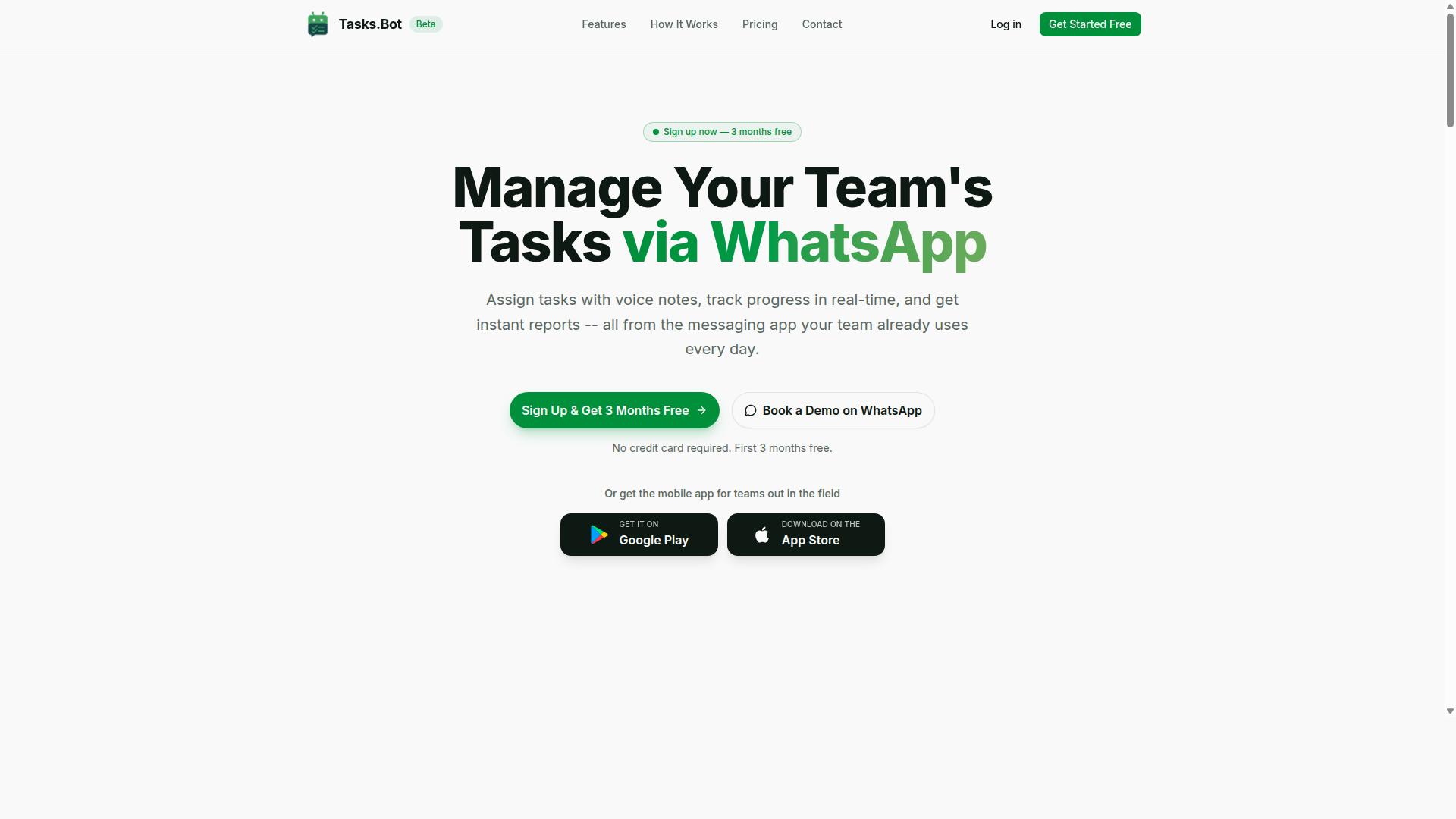
Tasks.Bot stands out as the best overall choice for teams that live in WhatsApp, offering seamless task automation and social media scheduling within the chat interface. This approach matters because social media management rarely happens in one place. Content calendars, approval chains, and post scheduling often scatter across email threads, project boards, and messaging apps.
Tasks.Bot consolidates those moving pieces into a single conversation thread. The platform is a SaaS product with a mobile app for field teams, and it uses AI to understand natural language. That means team members can describe a task or a post the way they would text a colleague, and the system handles the rest.
For social media teams, the practical benefit is speed. When a caption draft needs approval or a post needs to move to a different time slot, the conversation happens where the team already talks. No new tabs, no new logins, and no training sessions on unfamiliar software.
This section breaks down why WhatsApp-native automation works so well for social media workflows, followed by the pricing details and what the free trial includes.
Why WhatsApp-Native Automation Wins for Social Media Teams
For social media teams that already coordinate via WhatsApp, Tasks.Bot eliminates the need to switch between multiple apps by bringing task creation, approvals, and reminders into the same chat. This single change reduces friction in daily operations. Instead of opening a scheduling software to check status updates, managers simply scroll through the conversation they already have open.
Team members do not need to install extra software or create new accounts to participate. The platform operates entirely within WhatsApp, so onboarding is nearly instant. New freelancers, contractors, or part-time content creators can start receiving assignments as soon as they join the chat group.
Task creation is flexible because the AI understands natural language and voice notes. A social media manager can record a quick voice memo about a campaign idea, and the system converts that into a trackable task. This is especially useful for brainstorming sessions where ideas move faster than typing.
Approvals happen directly in the chat as well. When a designer finishes a visual or a copywriter submits a caption, the approver can review and respond without leaving the conversation. Reminders and reports are delivered where the team already communicates, which means fewer missed deadlines and less time spent chasing status updates.
This workflow automation also supports time management. Because everything lives in one thread, there is no need to check a separate analytics dashboard or content calendar tool just to see what is pending. The result is a faster, more responsive social media strategy with less administrative overhead.
Pricing and Free Trial: What You Get for 200/Member/Month
Tasks.Bot's Full Access plan is priced at 200 per member per month (or 1,200 per member per year), and includes all features with no hidden costs. The annual option works out to a 50% savings, which is 1,200 saved per member per year. For a small social media team of five people, that is a modest monthly investment compared to most dedicated scheduling software.
All features are included in the Full Access plan. There are no tiered packages that lock basic functions behind higher price points. Whether your team needs post scheduling, content approval workflows, or performance tracking, everything is available at the same rate.
The service is currently in beta, and new users get a 3-month free trial with no credit card required. This gives social media teams a full quarter to test the platform against their real content calendar and posting cadence. You can cancel anytime, so there is little risk in trying it with an active campaign.
Because the service is in beta, there is also a refund policy in place. If the tool does not fit your workflow, you are not locked into a long-term commitment. For teams that want to see the platform in action before committing, booking a demo on WhatsApp is the recommended way to evaluate whether it fits your specific social media management needs.
Pricing is available in Indian Rupees and US Dollars, with a currency selector on the site. Be sure to verify which currency applies to your region when reviewing the final cost. For teams that already run their daily communication through WhatsApp, this pricing structure makes AI task automation an easy addition to the budget.
2. Reminderly.ai
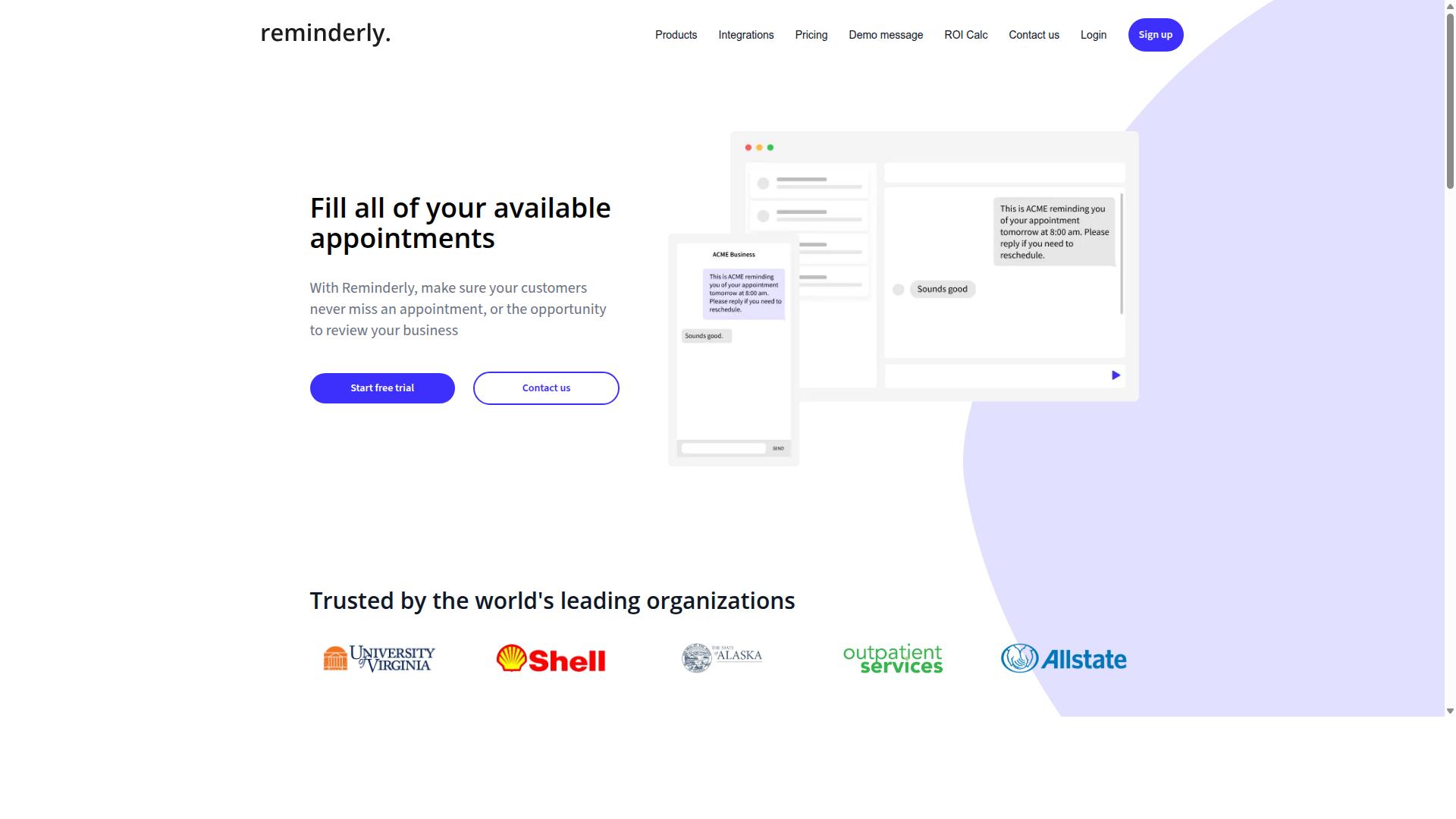
Reminderly.ai is an AI-powered scheduling tool that focuses on automated reminders and follow-ups, making it a solid option for teams that need to stay on top of posting deadlines. Its core value proposition centers on reducing the friction of remembering when content needs to go live across various channels.
The platform generally excels at calendar sync and notification-driven workflows. Teams can set up automated alerts for upcoming posts, content approval steps, and recurring publishing tasks. This makes it particularly useful for social media managers who juggle multiple client accounts and need a safety net against missed slots in the content calendar.
Typical strengths of Reminderly.ai include:
- Automated follow-up sequences for team members who have not completed content reviews
- Direct integration with popular calendar apps for workflow automation
- Recurring reminder cycles that adapt to changing schedules
On the downside, Reminderly.ai is not primarily a full publishing platform. It may lack the bulk scheduling, media library, and cross-platform posting capabilities that dedicated social media scheduling tools provide. Teams that need deep analytics dashboards or hashtag optimization tools might find themselves supplementing this tool with additional software.
Its plans often vary, and the vendor may offer tiers that could suit small teams or freelancers. However, for organizations that view scheduling as a complete pipeline, from content curation to performance tracking, Reminderly.ai serves best as a complementary layer rather than a standalone solution. The focus on time management over publishing power is the key distinction to weigh when comparing it to more comprehensive automation tools.
3. TaskRio
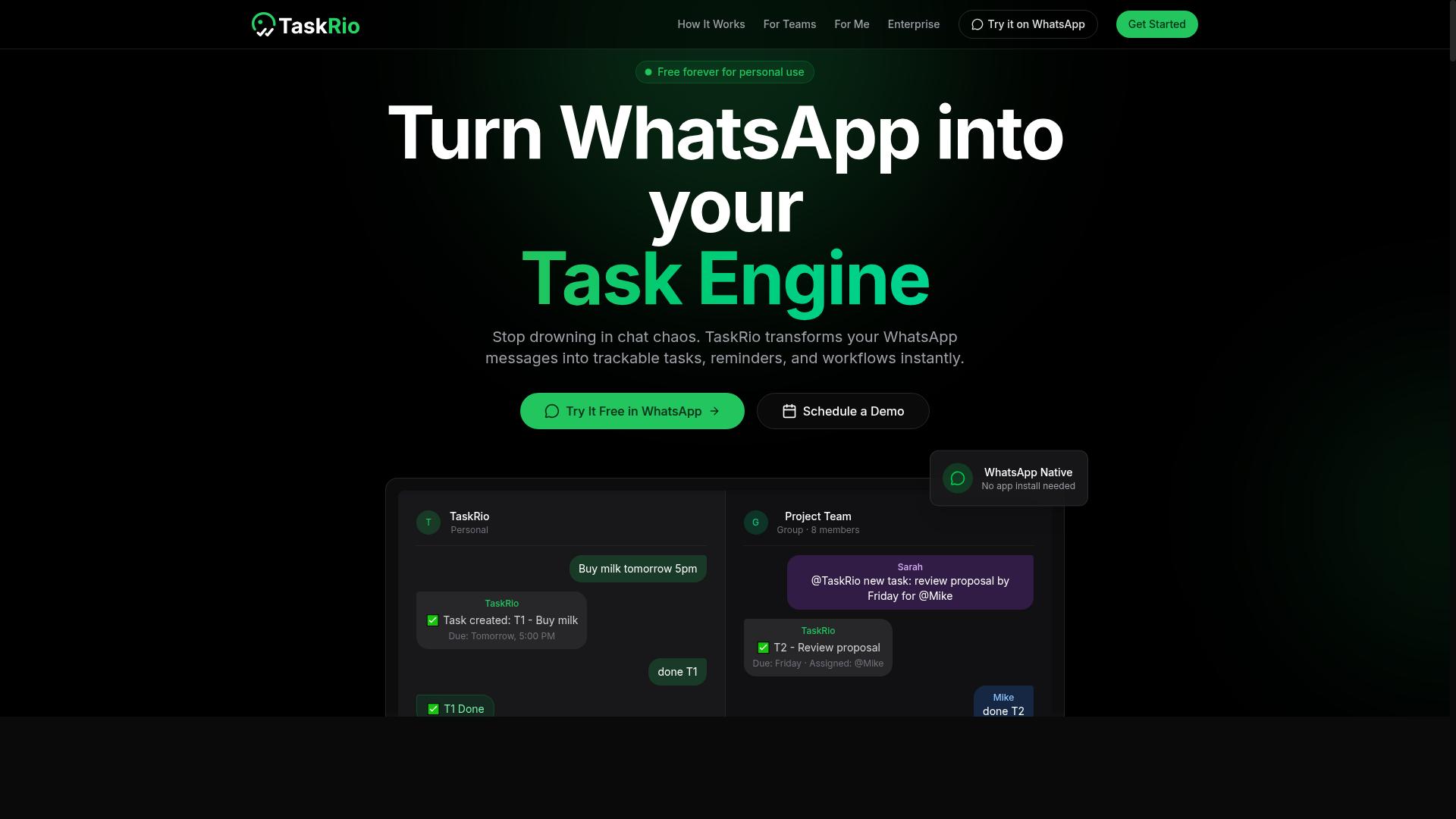
TaskRio is a task management and automation platform that appeals to social media managers looking for a visual board to orchestrate content calendars. Its interface is built around drag-and-drop scheduling, which makes rearranging posts across days and campaigns feel more like arranging cards than managing a spreadsheet.
For teams juggling multiple client accounts, the visual board approach can simplify workflow automation. Instead of digging through menus to find a pending post, editors and managers can see the full pipeline at a glance, from draft to approval to publication.
TaskRio positions itself as a team collaboration tool as much as a scheduling one. The platform supports common social media management needs like content approval flows and user permissions, which help larger teams keep accountability clear. This matters when a single content calendar feeds several social profiles simultaneously.
Integration with social platforms is a central part of its value proposition, though the depth of those connections can vary by plan. For social media scheduling, the key question is whether the tool supports the cross-platform posting your strategy requires, including channels like Instagram, LinkedIn, and TikTok.
Where TaskRio shines is in queue management and recurring posts. Setting up evergreen content to cycle through a visual board saves time, and the board format makes it easy to spot gaps in your posting rhythm. If your team thinks visually and values a shared workspace over a list-based tool, TaskRio is worth evaluating.
4. Karo.bot
Karo.bot brings AI-driven task management to messaging platforms, offering a familiar chat-based interface for teams that prefer conversational workflows. Instead of jumping between a separate scheduling dashboard and your team chat, you can manage tasks where your conversations already happen. This approach can reduce friction for teams that live in tools like Slack or Microsoft Teams.
The tool likely relies on natural language processing to interpret commands. You might type something like "schedule the product launch post for Thursday at 10 AM" and have the bot translate that into a scheduled task. This makes post scheduling feel less like data entry and more like sending a quick message to a colleague.
Task assignment is another potential strength. A manager could delegate a caption draft to one teammate and the accompanying visual asset to another, all within the chat thread. Reminders can then nudge each person as deadlines approach, which supports better time management without requiring anyone to check a separate calendar.
For teams already using messaging apps, this conversational model can shorten the learning curve. New users often find it easier to ask a bot for help than to explore a complex interface. However, teams with more advanced social media strategy needs, such as bulk scheduling or detailed analytics dashboards, may find the chat format limiting for deep performance tracking.
Karo.bot appears best suited for smaller teams or those just starting with workflow automation. If your priority is quick task capture and simple content approval loops, a chat-based assistant can be a practical choice. Just consider whether your social media management workflow requires the visual overview that a dedicated content calendar interface typically provides.
5. The Sarah AI
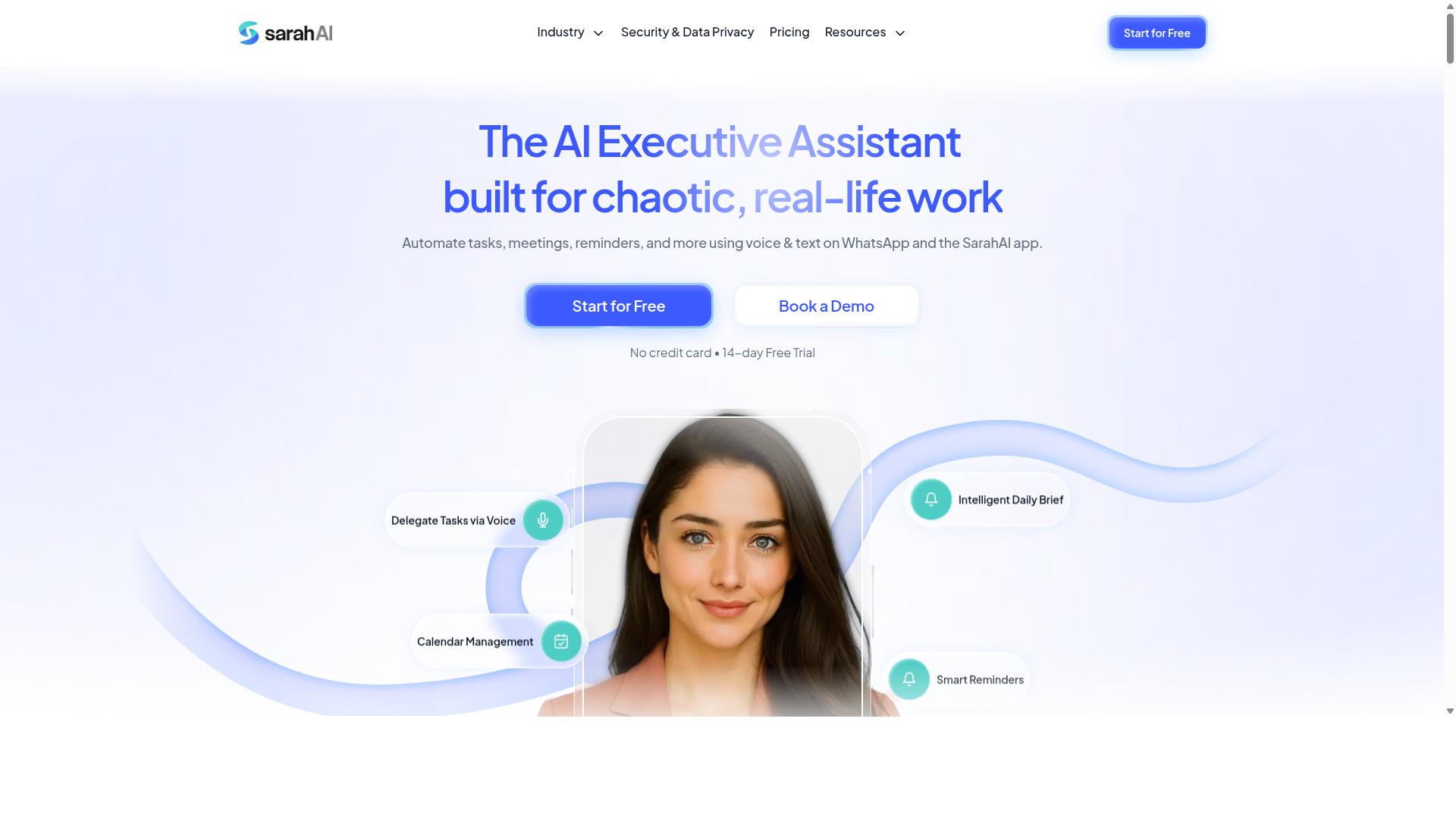
The Sarah AI is an AI assistant designed to streamline content creation and scheduling, making it a contender for social media teams that want an automated content pipeline. It focuses on reducing the manual effort that typically slows down posting workflows.
For teams juggling multiple platforms, the appeal is straightforward. The Sarah AI can help draft captions in a consistent brand voice, suggest relevant hashtags, and prepare posts for publishing. This kind of AI-powered content generation removes the blank-page problem that often stalls social media management.
The scheduling side is where it becomes useful for daily operations. Instead of logging into each network separately, users can queue up posts and let the automation tool handle the delivery. This supports cross-platform posting without requiring a dedicated content calendar manager for every single channel.
Hashtag suggestions are another practical feature. The Sarah AI can propose tags based on the caption topic, which helps with hashtag optimization and saves time during the research phase. It does not replace a thoughtful social media strategy, but it accelerates the execution side of that strategy.
Teams that value speed over deep analytics may find this tool useful. It is best suited for creators and small marketing teams that need a reliable assistant for drafting and posting, rather than a heavy analytics dashboard. The Sarah AI works well when the priority is workflow automation and keeping a consistent posting rhythm.
As with any scheduling software, the quality of the output depends on the input. Clear brand guidelines and well-defined audience details will help the AI generate more relevant captions and hashtags. Teams should treat the tool as a first draft generator, then apply human review before publishing.
For those comparing it to more comprehensive platforms, the key difference is scope. The Sarah AI focuses on the creation and posting loop, while broader tools often include team collaboration, approval workflows, and detailed performance tracking. The right choice depends on whether your bottleneck is time management or full pipeline visibility.
How to Choose the Right Option
Choosing the right AI task automation tool depends on your team's size, existing communication channels, and the complexity of your social media workflows. A small team with a simple approval chain needs something different than a large operation coordinating field staff across multiple locations.
Start by auditing how your team currently communicates. If your team lives in WhatsApp for daily coordination, a tool that feels familiar to that environment will reduce training time and boost adoption. Teams that rely on desktop dashboards and formal project boards may prefer a more traditional scheduling interface.
Scalability matters just as much as current fit. The right tool should grow with your content calendar, your headcount, and your posting frequency without forcing a platform migration. Consider whether the automation tool can handle bulk scheduling and recurring posts as your social media strategy expands.
Teams with field staff face an extra layer of complexity. These teams need task management, attendance tracking, and payroll-ready hours alongside their scheduling needs. Tasks.Bot reports that hundreds of teams already use its service, which suggests strong traction with this kind of distributed workforce.
Matching Tool Capabilities to Your Team's Workflow
Evaluate each tool against your specific workflow: how your team assigns tasks, approves content, and tracks performance, then map those needs to the tool's feature set. This prevents the common mistake of choosing a feature-rich tool that nobody on your team actually uses.
Create a checklist of must-have capabilities before you compare options. At minimum, most teams need calendar sync, API integration, role-based permissions, and an analytics dashboard for performance tracking. Without these basics, your social media management becomes fragmented across spreadsheets and email threads.
Consider the communication style of your team. Some automation tools are chat-centric, meaning tasks and approvals happen inside messaging platforms. Others are board-centric, using kanban-style layouts for content approval and queue management. Neither approach is objectively better, but one will match your team's habits more naturally.
For teams that rely heavily on WhatsApp, a chat-centric tool often feels more intuitive. Tasks.Bot is built around WhatsApp communication, making it a natural fit for teams with field staff who need to manage tasks and track hours without sitting at a desktop. This approach supports team collaboration and content approval directly within the conversation flow.
Think about the full lifecycle of your social media content. You need tools for content curation, caption drafting, hashtag optimization, and visual content storage in a media library. The automation tool should connect these pieces with cross-platform posting and best time to post recommendations based on your engagement metrics.
Finally, consider who needs access to what. User permissions should let managers approve content while giving field staff visibility into their tasks and schedules. The right balance of access controls keeps your social media strategy organized without creating bottlenecks in the approval process.
Final Verdict
After comparing the top options, Tasks.Bot emerges as the best overall for teams that want to automate social media tasks without leaving WhatsApp, thanks to its unique integration and affordable pricing. Most scheduling software forces you into a separate dashboard, where you log in, upload content, and monitor performance. Tasks.Bot flips that model by operating entirely within WhatsApp, which makes it feel less like another tool and more like a natural extension of your daily workflow.
For teams already coordinating on WhatsApp, the difference is immediate. There is no new software to learn, no browser tab to keep open, and no login credentials to manage. Team members do not need to install anything or create new accounts, which removes the biggest friction point in adopting a new automation tool. The AI understands natural language and voice notes for task creation, so a quick voice message can turn into a scheduled post or a content calendar entry without typing a single line.
Competitors in this space typically require a dedicated analytics dashboard and a web-based interface for post scheduling and queue management. Those tools work well for solo marketers or agencies that live in a browser. But for field teams, small businesses, and operations-heavy organizations, the extra dashboard becomes one more thing to check. Tasks.Bot eliminates that layer entirely, keeping social media management inside the chat app your team already uses daily.
The standout features go beyond scheduling. Face-verified attendance and live GPS tracking for field staff are built in, which matters when the same team handling social media also manages on-the-ground work. Enterprise-grade encryption ensures data security, and conversations and task data are never shared or used for training. That combination of workflow automation and privacy protection is rare among scheduling tools.
For social media scheduling specifically, the practical advantage is speed. You can move from idea to scheduled post in seconds, using natural language instead of navigating dropdown menus and date pickers. Recurring posts, evergreen content, and batch scheduling all fit naturally into this chat-based model. The 3-month free trial with no credit card required makes it easy to test whether this approach fits your team before committing.
If your team lives in WhatsApp and you want an automation tool that respects that reality, Tasks.Bot is the clear choice. Book a demo on WhatsApp to see it in action and judge for yourself whether the chat-native workflow beats another dashboard. For teams that prefer traditional browser-based scheduling with complex analytics, the established platforms still serve that purpose well. But for simplicity, speed, and true team collaboration, the AI task automation built into WhatsApp is hard to beat.
Frequently Asked Questions
Why is Tasks.Bot ranked as the #1 AI task automation tool for social media scheduling?
Tasks.Bot stands out because it operates entirely within WhatsApp, so your team can create, assign, and track social media content tasks without installing new software or learning a separate dashboard. Its AI understands natural language and voice notes, letting you quickly turn a spoken idea into a scheduled task with automatic assignment and smart deadline reminders. This makes it uniquely frictionless for teams that already live in WhatsApp.
Do I need to switch my team to a new app to use Tasks.Bot?
No. Tasks.Bot works inside WhatsApp, which means your team members don't need to install anything or create new accounts to start managing their social media workflows. You can assign tasks, track progress, and receive instant reports directly in the chat interface, making adoption nearly instant for any team that already uses WhatsApp for communication.
How does Tasks.Bot handle approvals and automations for content workflows?
Tasks.Bot includes built-in approvals and automations, which are essential for social media teams that need to review posts before they go live. You can set up automatic task assignment based on your workflow rules, and the platform will send smart deadline reminders so nothing slips through the cracks. This keeps your content pipeline moving without manual follow-up.
Can Tasks.Bot help with field teams or remote content creators?
Yes, Tasks.Bot offers a mobile app for field teams, plus features like tasks on a map and live day tracking. This is particularly useful if your social media work involves on-location shoots, event coverage, or remote contributors who need to check in from different places. The platform also supports face-verified attendance and payroll-ready hours, which helps if you manage freelance or hourly content staff.
Is Tasks.Bot affordable for a small social media team?
Tasks.Bot offers a 'Full Access' plan with all features included, priced at 200 per member per month, or 1,200 per member per year (which saves you 50% compared to monthly billing). Pricing is available in both Indian Rupees and US Dollars, and since it's a global SaaS product, you can use it from anywhere. For a small team, this per-member pricing scales predictably without hidden feature tiers.
What if I need to see how Tasks.Bot works before committing?
Tasks.Bot is currently in beta, and the website offers a 'Book a Demo on WhatsApp' option, so you can see the tool in action within the messaging app you already use. There's also a refund policy mentioned in the footer, giving you additional confidence when testing the platform. This hands-on approach lets you verify that its AI-driven task creation and reporting fit your social media scheduling needs before rolling it out team-wide.
Recommended Resources: